How to give Claude, ChatGPT and Cursor the same persistent memory
 By Matthew Firth, founder of ModelBrain · Oct 7, 2026 · 4 min read
Tell one AI assistant something and the next one has never heard of it. The fix is to move memory out of the app and into one place every assistant can ask, on your own computer. Here is the setup, and what it does and does not do.
Why every app forgets
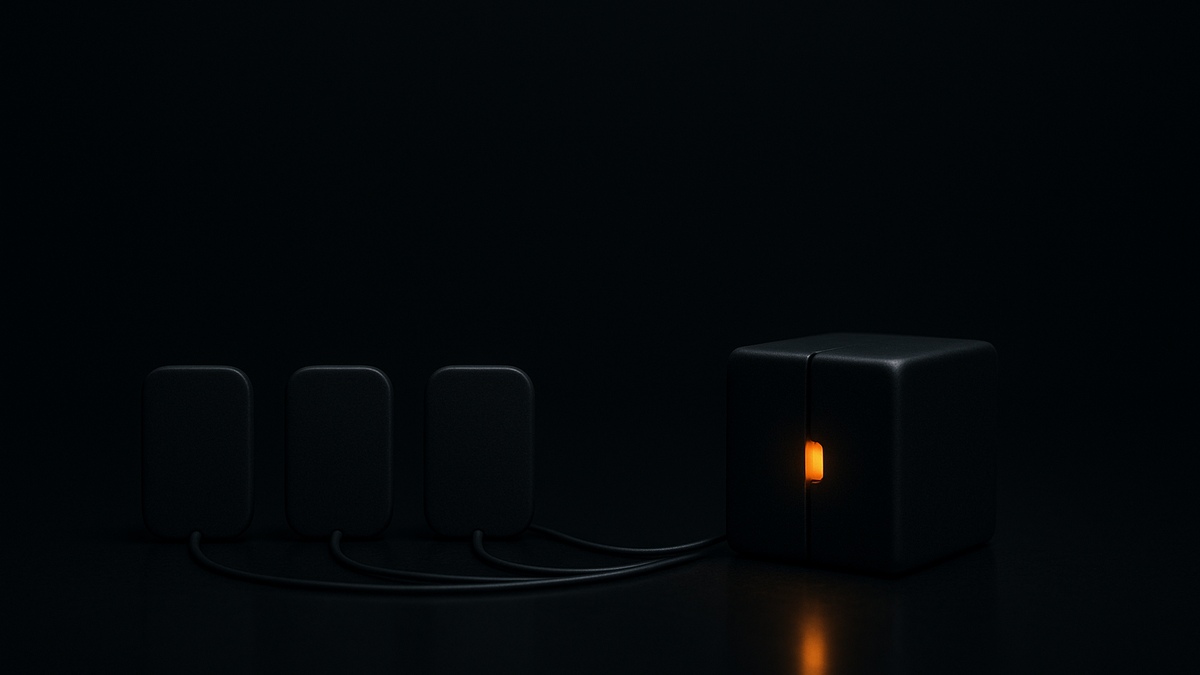
Each AI assistant keeps its own notes, in its own app, under its own rules. Tell Claude something on Monday and ChatGPT does not know it on Tuesday. Cursor has never heard of it. Even inside one app, a new conversation starts with whatever that app chose to carry over. The fix is to move the memory out of the app and into one place that every assistant can ask.
That place is an MCP memory layer. MCP is the protocol most assistants now use to call outside tools. ModelBrain is an MCP server that stores memory as ordinary files on your own computer, and any assistant that speaks MCP can save to it and search it. One memory, shared by all of them. We wrote up how this differs from Claude Code's built-in memory if you want the comparison first.
Set it up
- Install ModelBrain for macOS, Windows or Linux. For local use there is no account to make.
- Connect your assistants. Claude Desktop registers itself when ModelBrain launches. Claude Code and Cursor each take one button in the Client Setup window. ChatGPT connects through a relay, using a pairing code from the ModelBrain menu, and needs a free ModelBrain account.
- Tell it something, then ask in a new conversation. For example: "Remember that we moved the launch to next Tuesday." Open a fresh chat, ideally in a different app, and ask when the launch is. A working setup answers correctly without being reminded.
- Add the notes you already have. Point ModelBrain at a folder, such as an Obsidian vault, and answers can draw on it and name the note they came from.
The quickstart walks the same path in about ten minutes.
Make it stick
An assistant uses a memory tool when it decides to. If it keeps answering from scratch, tell it to check memory first and to save decisions as they are made. The instruction tips have paste-ready project instructions for exactly this, and ten habits that keep recall steady.
How well does it remember
We tested it. Across 807 questions, run three times and averaged, it gave the right answer 86% of the time as a person would judge it, and 70% under a strict exact match. It declined correctly when the answer was not in memory, and it resisted every prompt-injection attempt planted in notes. Its weakest case is connecting two separate notes to answer one question, at 79%. The full table is on the recall test results page.
What it does not do yet
Sync between your own computers and managed backup are coming soon and not launched, so the memory lives on one machine for now. ChatGPT goes through a relay rather than a direct local connection, which is why it needs the free account. And it only remembers what you save or point it at: it does not watch your conversations on its own.
You can read the memory files yourself and delete anything in them at any time. See what a forget call actually guarantees.