Continue a Chat Between ChatGPT and Claude With a Handoff Note
 By Matthew Firth, founder of ModelBrain · Nov 22, 2026 · 8 min read
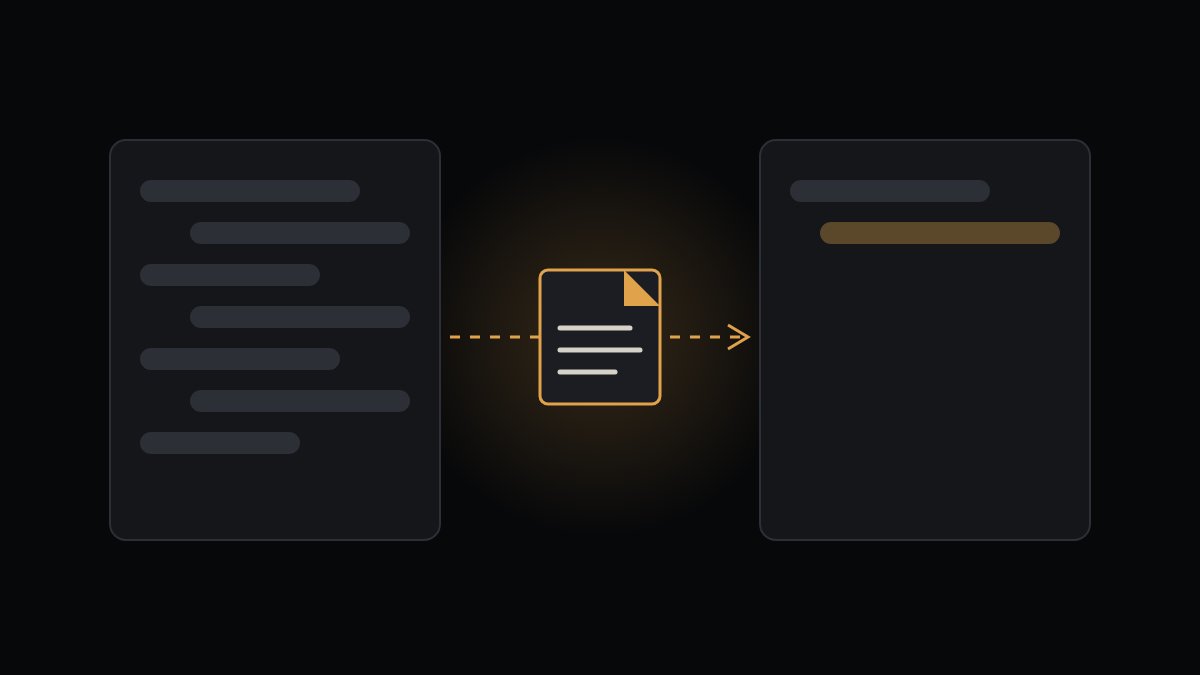
The short answer: you can't open a ChatGPT conversation inside Claude, or the other way round. What you can do is give the other assistant a briefing: ask the one you're stuck with to write a handoff note, paste it into the other, and ask for a second opinion. You're not moving the chat, and the new assistant doesn't inherit the old thread; it gets exactly what's in the note. It takes a minute, and it's often the fastest way out of a loop where one assistant keeps suggesting the same fix. Below is the exact prompt, plus four other ways to carry work across, from attaching files to sharing one memory.
Why a second opinion works
Long chats drift. After an hour, the assistant is carrying every dead end you've explored, and it tends to keep circling the same ideas. A different model, starting clean, sees the problem without that history and with its own strengths. In our experience, when one gets stuck, the other often doesn't. The trick is giving the second assistant enough context to be useful without making it read everything.
Method 1: the handoff note (works everywhere)
This needs nothing but copy and paste, and works on free plans of both. In the chat where you're stuck, send:
Write a handoff note so another AI assistant can pick up this task without reading our conversation. Use these headings:
1. Goal: one sentence.
2. What I need next.
3. Decisions so far, and why.
4. What we tried that didn't work, and why.
5. Facts, numbers and rules that must not change.
6. The latest version of the work, pasted in full, not summarized.
7. Open questions.
Leave out passwords, keys and personal details. Keep everything except section 6 short.
Copy the note. Open the other assistant in a new chat and send:
I'd like a second opinion. Below is a handoff note from another AI assistant I've been working with. Read it first. Don't redo anything marked as decided unless you think it's wrong, and if you do, say so plainly and why. Then help me with section 2, and list any facts in the note you'd want checked against a current source.

[paste the handoff note]
Why these sections: the decisions stop the second assistant reopening what's settled; the failed attempts stop it suggesting the same broken fix; and the full latest version matters because a summary of a draft isn't the draft.
Make the second opinion count
- Ask for disagreement. "What would you do differently?" gets more than "can you help with this?"
- Read the note before you send it. If the first assistant left out something you said, add it. The note is only as good as its memory of the chat.
- Bring the answer back. If you'd rather finish where you started, ask the second assistant for a short note on what it changed and why, and paste that back.
- Leave secrets out. Passwords, API keys and other people's private details don't belong in either chat.
Method 2: hand over files, not just text
For anything long, such as a report, a spreadsheet or code, move the work as files. Download the latest version from the first assistant (or copy it into a document) and attach it to the new chat alongside the handoff note. If you go back and forth on the same project, keep the brief and key files in a Project in each app, so every new chat starts with them. Our guide to what a Claude Project remembers covers the Claude side.
Method 3: the built-in imports
Both companies now offer an import, but each moves something different, and neither moves a conversation you're in the middle of.
- Claude's memory import (Settings > Your Claude > Start import) copies what ChatGPT has saved about you, such as your job, preferences and ongoing projects, into Claude's memory. It's built for moving over for good; Anthropic describes it as experimental, and it may not keep everything. Our Claude memory guide has the steps.
- ChatGPT's desktop import (Settings > Import) brings in your setup from Claude Code, Claude Cowork or Cursor: instruction files, project folders, skills, MCP settings and chats from the last 30 days, and it can keep them in sync. It's aimed at people who build software with those tools; it doesn't read the regular Claude app.
To move your whole history rather than just one task, see how to move ChatGPT history to Claude.
Method 4: one memory both assistants can read
If you switch every week, copying notes gets old. The alternative is a memory that sits outside both apps and that both connect to, so a decision saved in one is there when you open the other. ModelBrain is our product and works this way: you connect it to Claude and to ChatGPT, and either can save a note to it or recall one. It's one more tool to set up, and it's worth it only if you really do move between assistants often. Our guide to persistent memory across assistants compares the options.
A real handoff: how this page was reviewed
We used the method on this page itself. Claude wrote the first draft, then wrote a handoff note in the seven-section format: the goal, what we needed (a critique), the decisions made, what we'd rejected, the facts that mustn't change, where the draft was, and two open questions. Because we use ModelBrain, the note was saved there rather than copied by hand. In ChatGPT, one sentence fetched it: "Recall the A4 handoff note from my ModelBrain Guides partition and give me a second opinion on what it asks for in section 2." (A4 is our working label for this article, and a partition is a named folder of memories.)
ChatGPT's reply came back quickly and changed the page. Its main point was that a title promising "without starting over" risked sounding like the chat itself moves, so the page should say plainly that you're giving the new assistant a briefing. It also suggested adding a privacy line to the handoff prompt, asking the second assistant to flag facts that need checking, including a worked example (this section), and a softer title. We made all of those changes, and saved its reply back to the same memory so the next session can see what was decided and why.
The copy-paste version of this takes a minute longer and works with no extra tools; the shared memory just saves the copying.
Which method to use
| Method | Best for | What moves | Effort |
|---|---|---|---|
| Handoff note | One stuck task, right now | The goal, decisions, failed attempts and latest draft | Two copy-pastes |
| Files and Projects | Long documents, code, data | The actual work, as files both can read | Upload once to each |
| Claude memory import | Moving for good, ChatGPT to Claude | What ChatGPT has saved about you, not your chats | A few minutes, once |
| ChatGPT desktop import | Coders using Claude Code, Cowork or Cursor | Instructions, projects, skills, recent chats | A few clicks, can stay in sync |
| A shared memory layer | Switching back and forth every week | Facts and decisions both assistants can recall | Set up once; then ask either assistant to save or recall |
Common questions
Can I move a ChatGPT conversation to Claude?
Not as a live, continuing chat. Neither app opens the other's conversations. The quickest way is to ask ChatGPT for a handoff note and paste it into Claude. For your memory, the notes ChatGPT keeps about you, Claude has a built-in import under Settings > Your Claude.
Can ChatGPT and Claude see each other's chats?
No. Each keeps its own history and memory. They only share what you carry across yourself, or what's in a tool both are connected to.
Why get a second opinion from another AI?
Each model has its own strengths and blind spots, and a fresh conversation has none of the dead ends that a long chat piles up. When one assistant keeps repeating a fix that doesn't work, the other often spots the problem quickly.
Will the other assistant just agree with the first?
It can. Tell it you want disagreement, give it the attempts that failed, and ask it to point out anything in the note it would do differently.
Is it safe to paste my work into another assistant?
Treat it like any chat: don't paste passwords, keys or other people's private details. Check each assistant's data settings, especially whether chats are used to improve models.
Does ChatGPT's import bring over my Claude chats?
ChatGPT's desktop import works with Claude Code, Claude Cowork and Cursor. It can bring over instructions, projects, skills and chats from the last 30 days from those tools, but not your conversations in the regular Claude app.
Sources
- Claude Help Center, Importing and exporting your memory from Claude.
- OpenAI, Import from another agent.
Last checked November 22, 2026. Written by Matthew Firth with help from an AI assistant; ModelBrain is our product.